
Validating an Array input can be tricky in Laravel. For example, can you quickly spot why this validation might allow us to pass empty players list?
public function rules(): array{ return [ 'name' => ['required', 'string', 'max:200'], 'players.*' => ['required', 'integer', 'exists:users,id'], ];}Passing the following data to the above validation would pass:
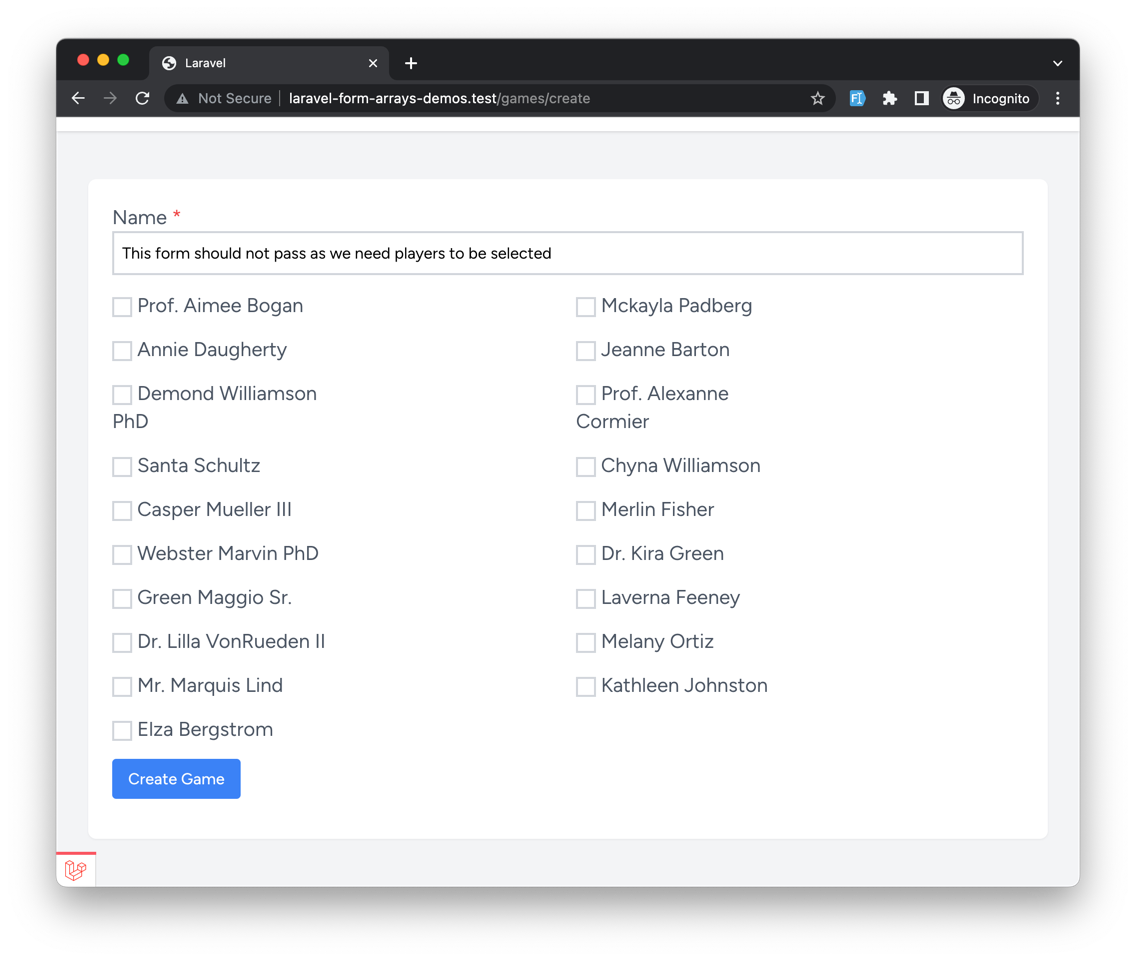
But once we submit the form, we pass the validation:

So why is that? Well, we forgot a crucial part when writing our validation rules!
public function rules(): array{ return [ 'name' => ['required', 'string', 'max:200'], 'players' => ['required', 'array', 'min:3'], 'players.*' => ['required', 'integer', 'exists:users,id'], ];}Adding this single validation rule will make sure that the player's array is not empty:
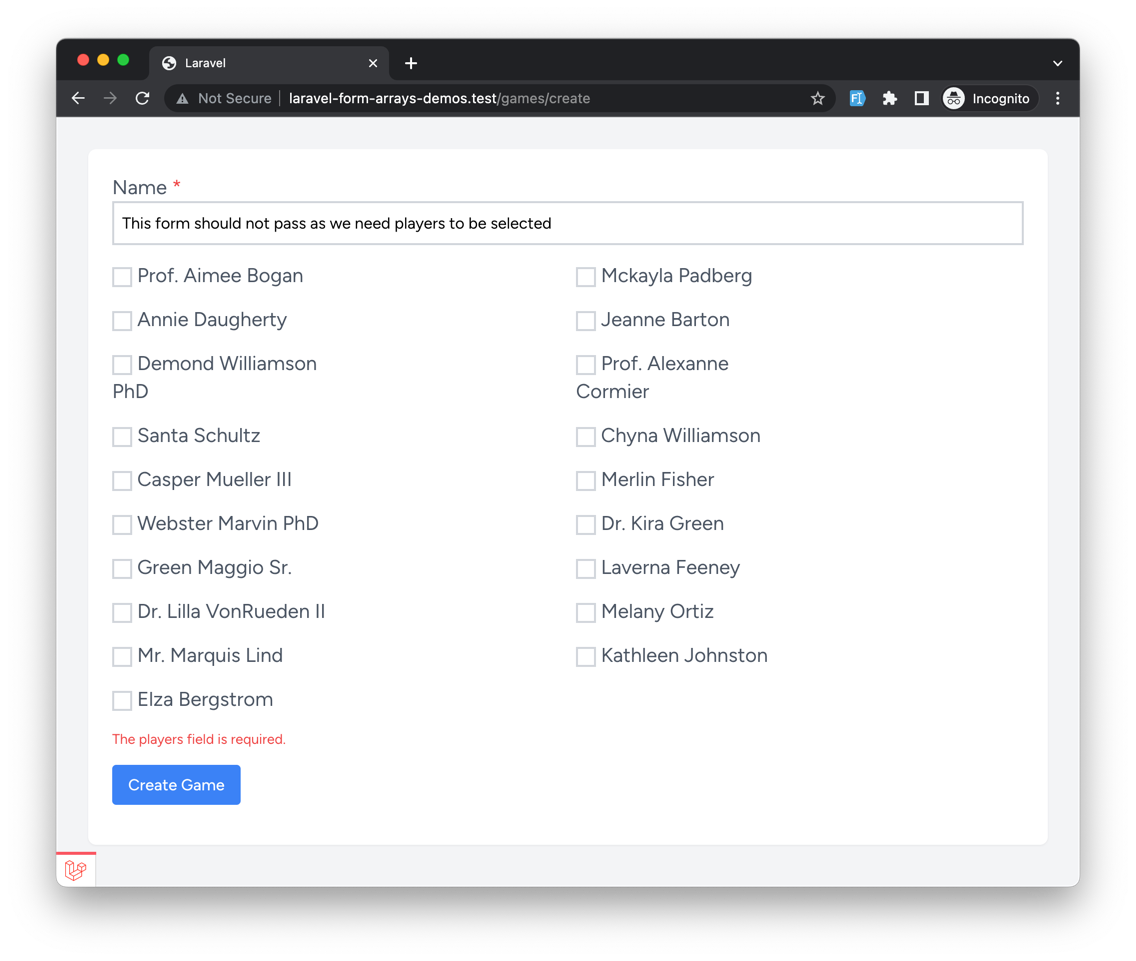
It might seem simple, but adding required to our players input is crucial. Without it, you might get unexpected results.
So in this course, we will look at how to validate arrays in Laravel and what tricks you need to know to ensure your validation works as expected. Let's get started!