
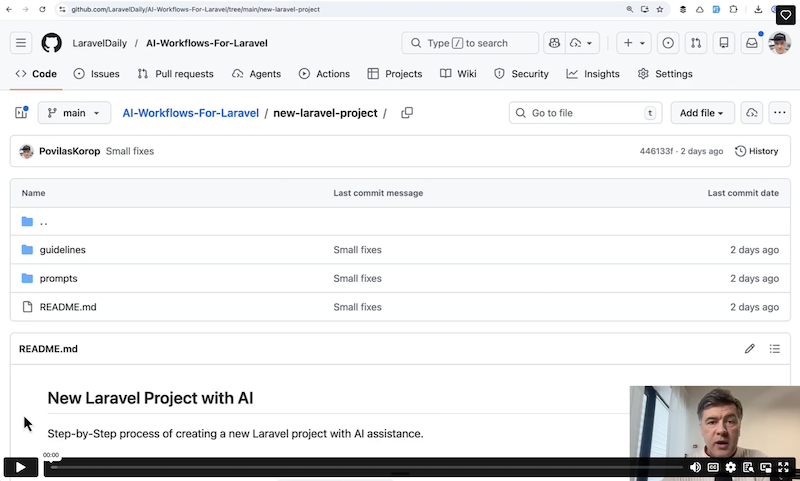
This 29-minute video for Premium members is a step-by-step guide on how I prepare any new Laravel project, to maximize the future results from prompting AI agents.
Premium Members Only
This advanced tutorial is available exclusively to Laravel Daily Premium members.
Join Premium - $29/month
Already a member? Login here
Premium membership includes:
Access to all premium tutorials
Video and Text Courses
Private Discord Channel
Thank you very much, I'm joining now and I already have access to FilamentExamples. Your work is truly excellent.
Thanks for the kind words and the support!
I was wondering why you choose not to use Claude Code's built in plan mode feature. Do you feel like using it just doesn't matter?
Because I already am doing the plan mode with AskUserQuestion tool, and I want to plan in a few steps, as you can see - user stories non-technical planning, and then technical phase planning. Claude Code plan mode feature is a one-prompt thing.
So I'm doing a lot of planning before prompting "work on phase 1", so then extra plan mode doesn't matter anymore.
Great video, thanks.
Do you do anything around memory, in say, saving work done in md files so they can be referred back to please, Povilas? I've seen some people use obsidian for memory, but with so much AI content on the internet I find I get bogged down with what's good/bad etc (shiny objects galore.)
I find I do some long work with Claude Code and at times start wishing I'd been saving the work done in markdown files to then feed back to claude later for making changes and updates. Or perhaps I overthink, but sometimes I wish I could feed claude prior work as context for new work.
Good question. I don't do anything specific, but if I feel that some result of some phase is useful, then I save it as a markdown somewhere, also Claude Code has
/exportcommand to save full conversation. But in practice, I do that very rarely, to be honest.Also, with new 1M context on Max plans, you may continue in the same prompt/thread for longer so no need to save anything major.
But again, your cases may be different than mine.
HOLY MOLY, it is exactly what I was looking for.
FUN THING, LLM has recommended me the YT video, where you recommended this premium tut, and since that I bought the subscription. It was totally worth it, because I need exactly this in my current project. Thanks Povilas you saved me a lot of time. Nicely aggregated knowledge :)
I have both local and production Laravel running on Docker; I have it implemented this way in almost all my projects.
And when the AI runs tests, I want it to run PHP inside Docker.
Where should I write this so it's global for all projects?
Sorry I haven't run it in Docker so can't give any advice here.
Is this kind of way is recommended for existing projects (let's say dev or production), like adding features or whole new mechanism? where can we find similar tuturial\s for "not new" on Laraveldaily, filamentexamples or ai coding daily?
Sorry for delay with the answer, back from vacation now. I guess the answer is "it depends" because it depends on what that new feature is and how big. Sometimes it doesn't make much sense to go through all of that process for a smaller task.
But it's a good idea for a tutorial on a new FEATURE, I don't have such tutorial, adding to my (already big) to-do list for the future.
big features bundle or a full mini-system / complex capabilities with several pages/front and backend logics with several services and guidelines to use services + actions + dto where needed. same complexity as a new small/medium project. a video/tutorial would be great! your long to-do list is bless with all the great creation route you opened for yourself - very impressing, blessings on the newly add channel and route about NativePhp. happy to be updated and improve my dev and building skills through your channels and