
With Laravel 12, creating a new project doesn't show the option to install the JetStream starter kit, which you may want to use for features like 2FA or Teams that new kits don't have (yet). However, Jetstream is compatible with Laravel 12. Here's how to install it.
First, with the new Laravel installer, you only see the options for new starter kits.
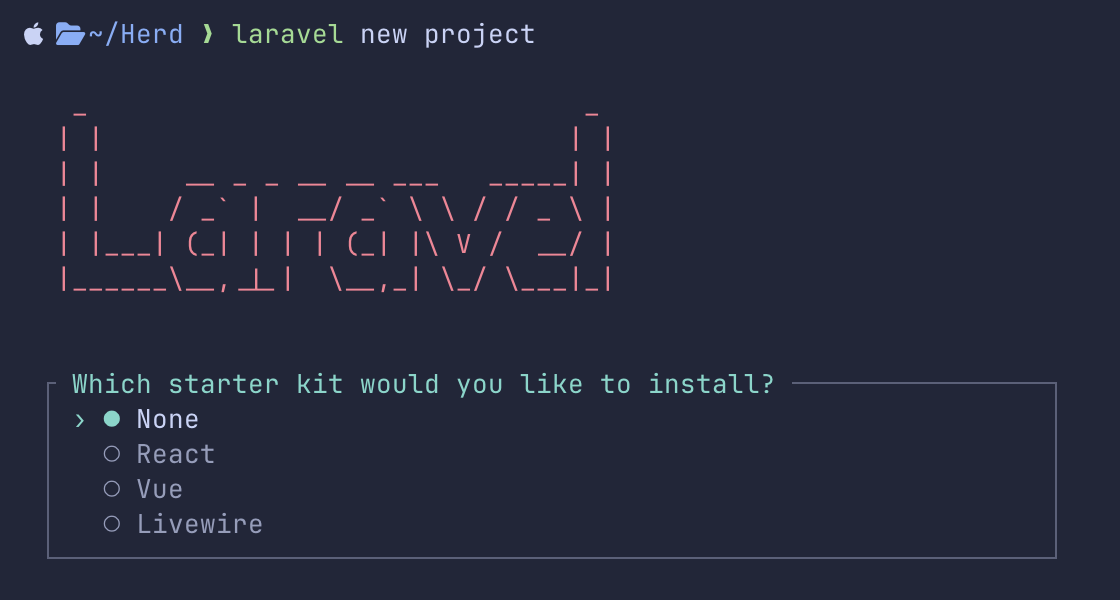
Also, laravel new project --jetsream flag will not work in the new Installer.
In the screenshot above, you need to choose None and create a new Laravel project without any kit.
Next, you can install the Jetsream package via Composer.
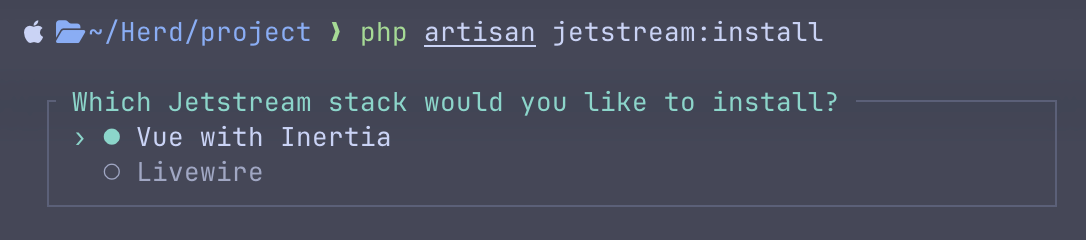
composer require laravel/jetstreamNext, you run php artisan jetstream:install and you will see your familiar stack options to choose from.
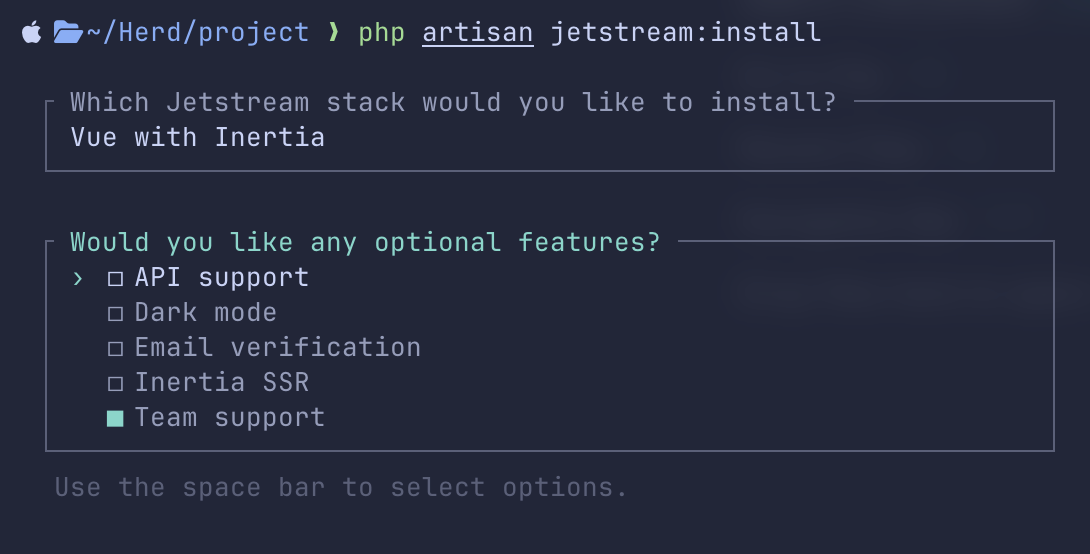
After choosing your stack then, you can choose optional features like team support.
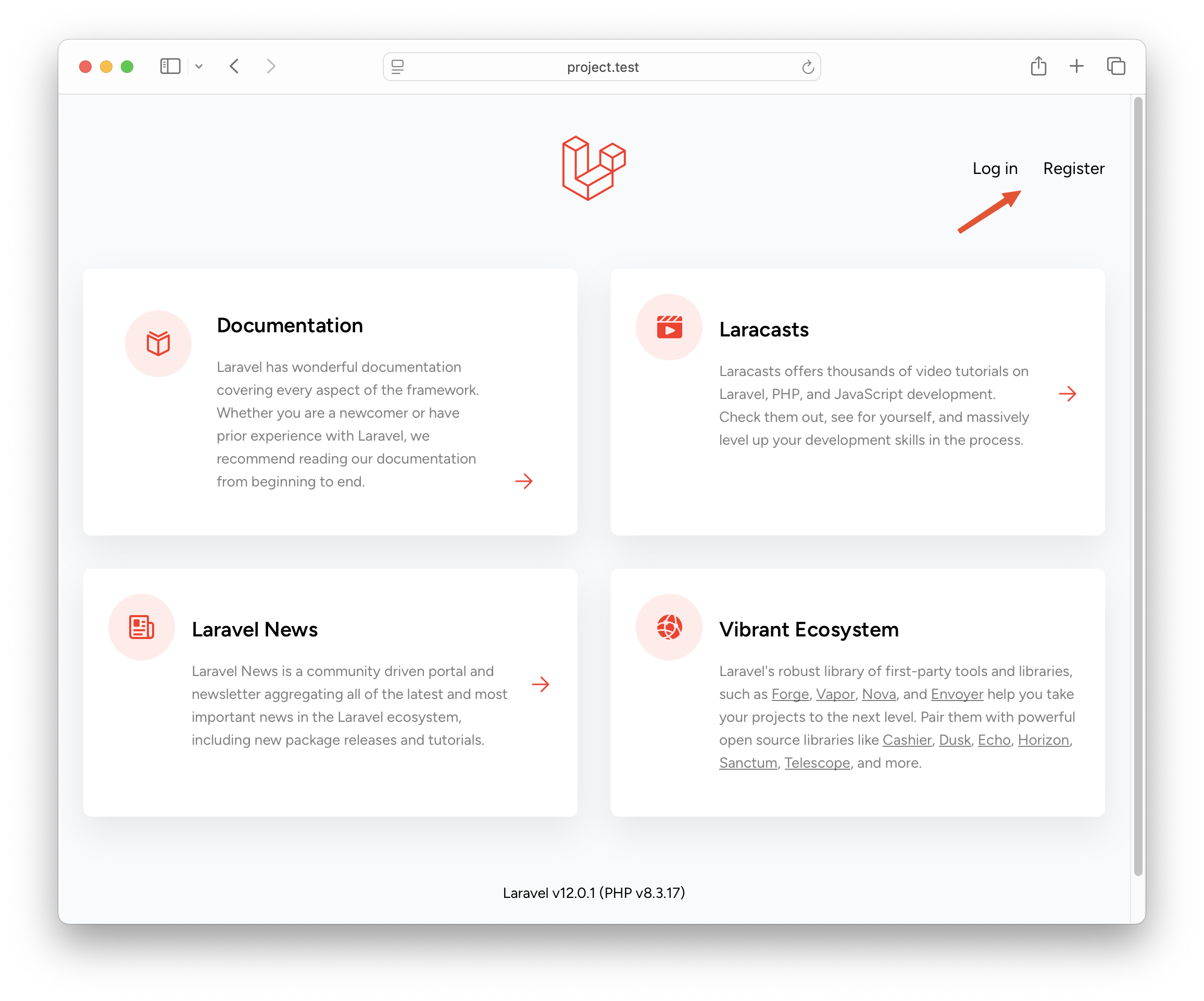
After visiting the home page, you can see a familiar welcome page with login and registration links.
After registering, you will see a familiar dashboard.
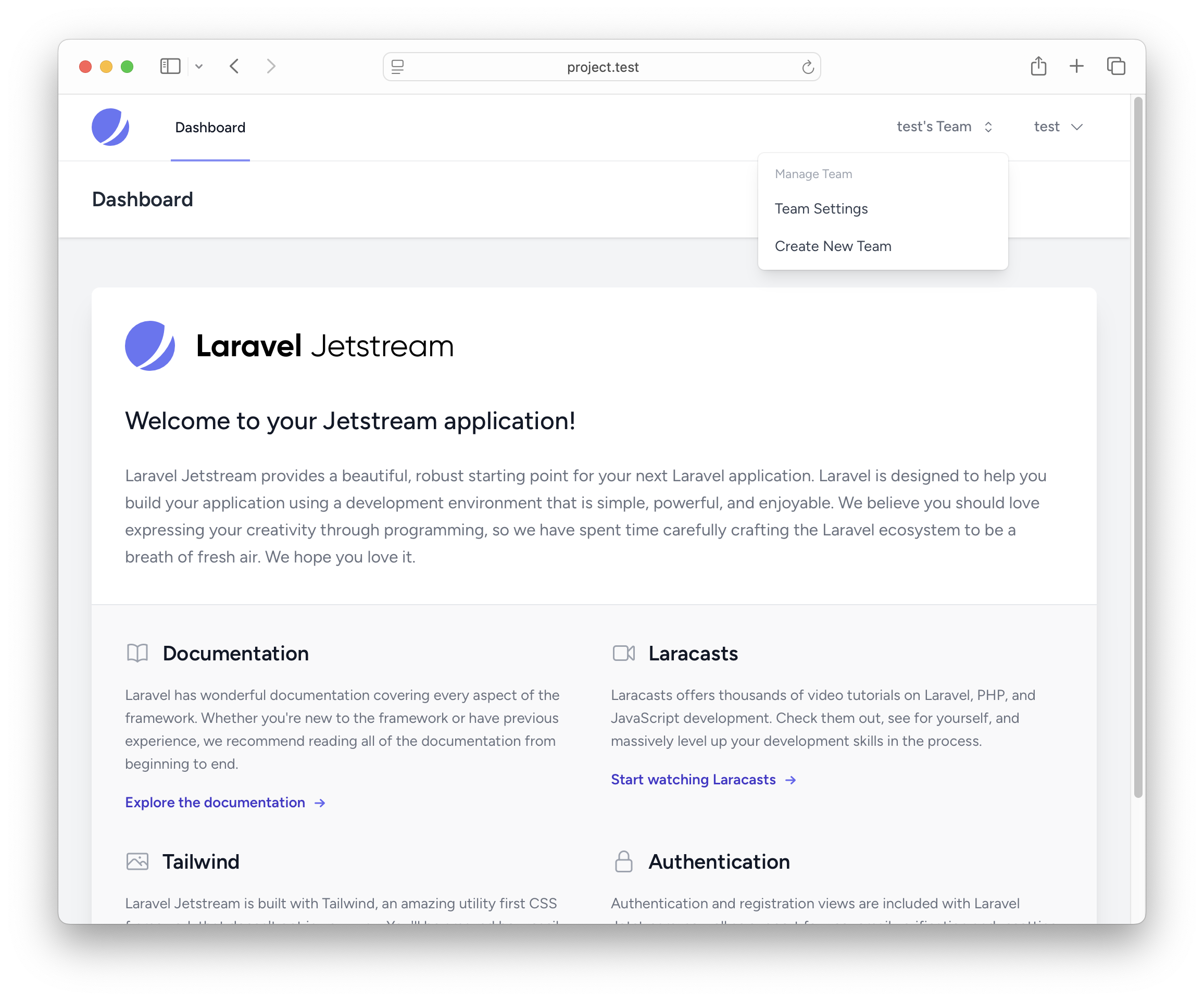
That's it. Jetstream is installed, and you can continue like you did with the older Laravel 11 version.
If you want the official documentation, Jetstream has a dedicated page.
What about React with Inertia
What about it? Jetstream never had react version
Yes I know, I ask this because Laravel now add a startki with react and I hope jetstream will be compatible with
There will never be jetstream with react. Maybe someone made it, google it. Officialy won't happen
Never say never...
Hi, I've tried installing Jetstream on Laravel 12 using both the traditional method and the approach described here, but in both cases I encounter the following error:
Would it be safe to proceed using --legacy-peer-deps, or could this introduce compatibility issues later on?
Manually bump
@vitejs/plugin-vueversion to^6.0.0and error will be gone.