
If you want to format a table column value in a custom way, you can define the formatting method as a helper and then use it with ->formatStateUsing() in the column.
Here's an example from Dinero open-source project:
app/Filament/Resources/WalletResource.php
class WalletResource extends Resource{ public static function table(Table $table): Table { return $table ->columns([ // ... other columns Tables\Columns\TextColumn::make('currency_code') ->label(__('wallets.fields.currency_code')) ->formatStateUsing(fn (string $state): string => country_with_currency_and_symbol($state)) ->sortable(), ]); }}The country_with_currency_and_symbol() method is defined in this file:
app/Support/helpers.php
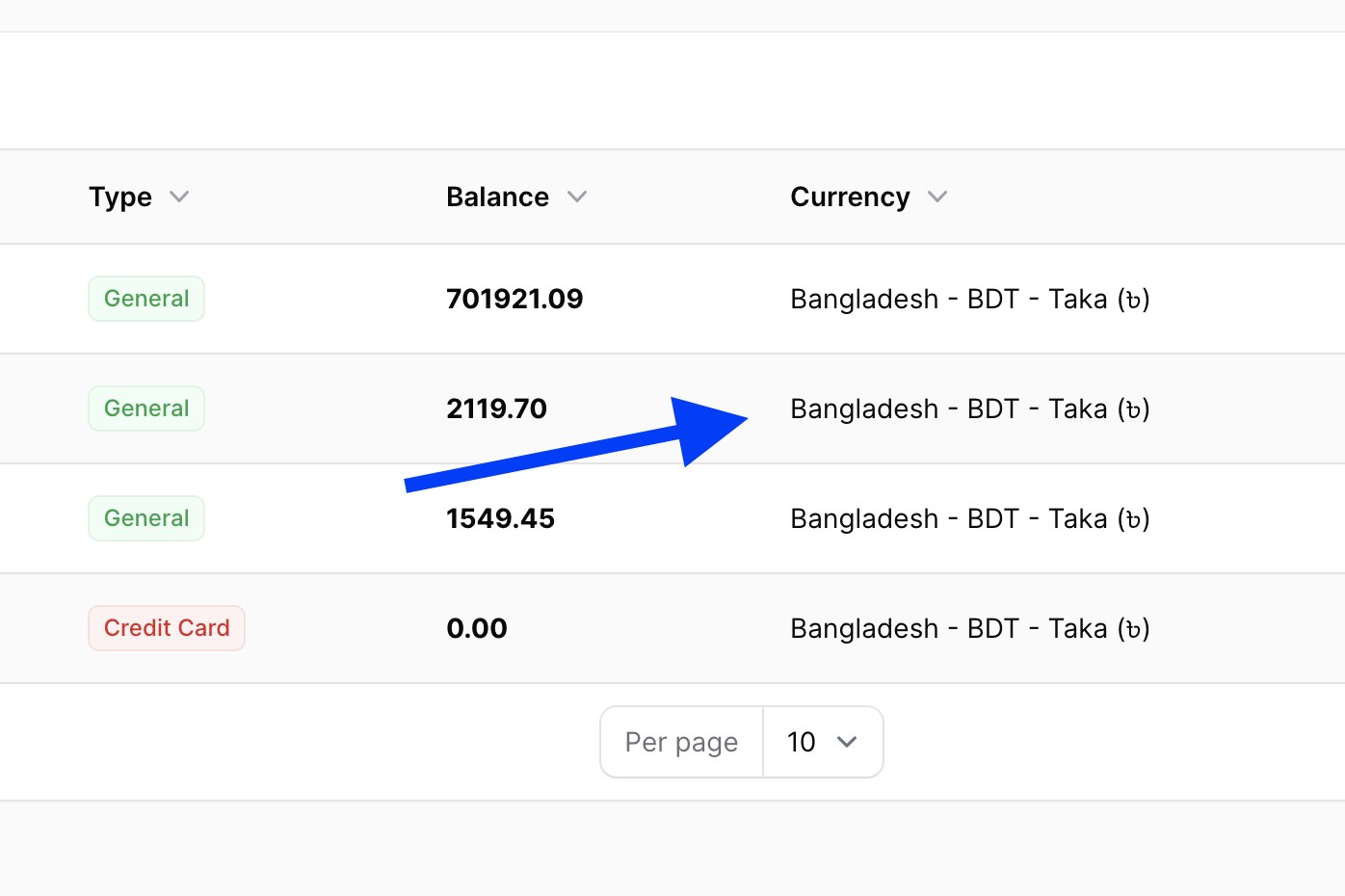
use Illuminate\Support\Collection; function country_with_currency_and_symbol($state = null): Collection|string { $countries = collect(countries())->mapWithKeys(function ($country) { try { $currency = currency($country['currency']); return [ $country['currency'] => sprintf('%s - %s - %s (%s)',$country['name'], $currency->getCurrency(), $currency->getName(), $currency->getSymbol()) ]; } catch (\Exception $e) { return [null => null]; } })->filter(); if($state) { return $countries->get($state); } return $countries;}Then this file is auto-loaded with Composer:
composer.json
{ "autoload": { "files": [ "app/Support/helpers.php" ] },}Visual result:
Enjoyed This Tip?
Get access to all premium tutorials, video and text courses, and exclusive Laravel resources. Join our community of 10,000+ developers.
Recent Courses on Laravel Daily
Mobile Apps: React Native vs Flutter vs NativePHP?
8 lessons
55 min
Practical Laravel Security: Packages, Secrets, Supply-Chain Attacks
7 lessons
43 min read
Laravel 13 Starter Kit Teams and Customizations
10 lessons
33 min