
We ended up the previous lesson by returning a huge JSON from the property search results. Let's spend this lesson optimizing it and showing only the data that we really need to return.
Goals of This Lesson
- Transform the returned data using Eloquent API Resources
- Create Accessors to show Addresses and Beds list in a human-friendly way
- Fix search results order/limit: showing only ONE apartment per property
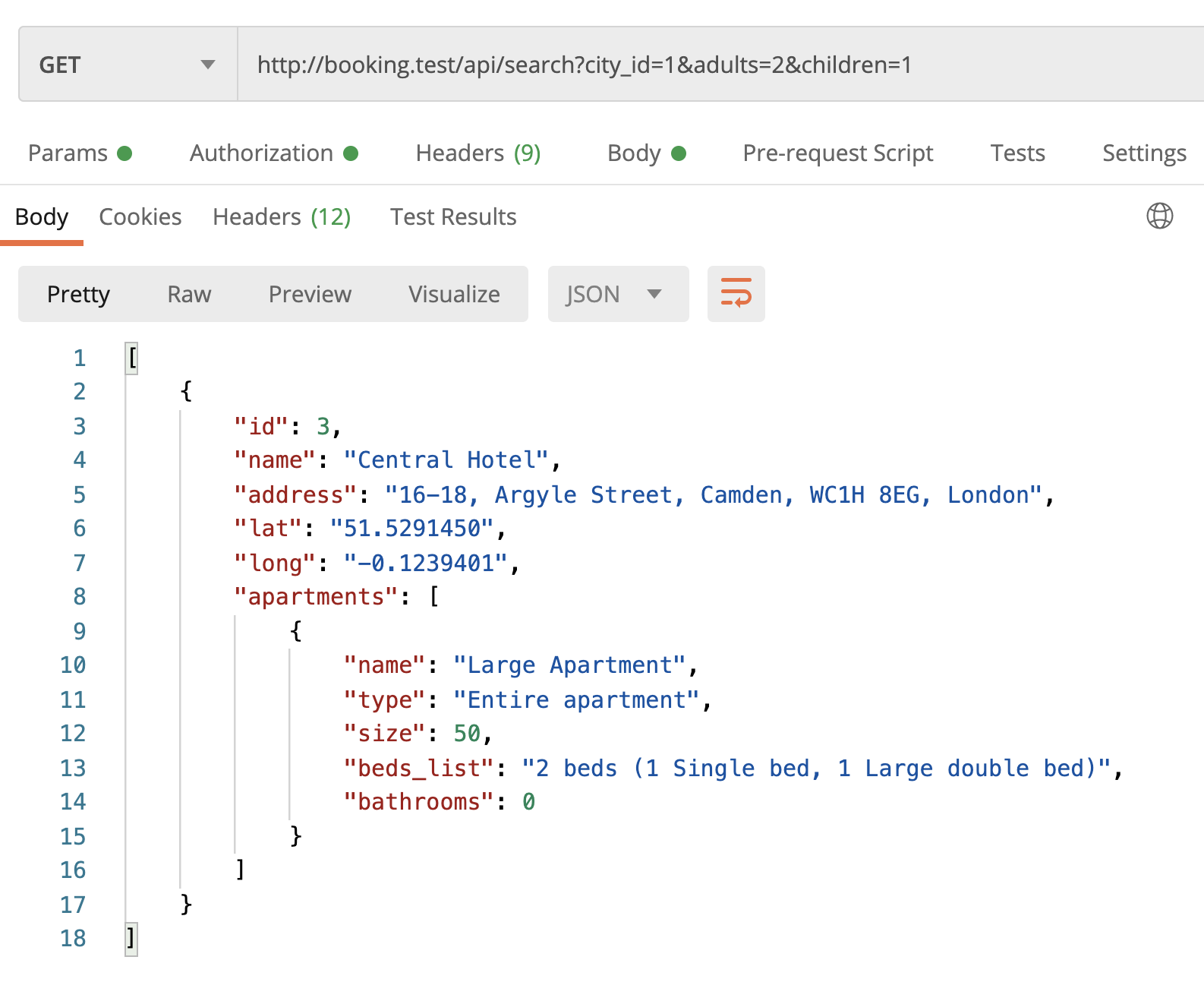
By the end of this lesson, we will have this nice JSON structure in search results:
Shorter JSON: Eloquent API Resources
A quick reminder of how it looks now.
Endpoint: /api/search?city_id=1&adults=2&children=1
Result JSON:...
Does it make sense to check with middleware the actual presence of at least one apartment per property and add a method such as testPropertyHasAtLeastOneApartment? Then check that if a property has no associated apartments, return a status check of, for example, 422.
I don't think this is a very realistic scenario, because
withWhereHas()ensures that those properties would be filered out, as I understand. But if you want a separate check, you may add it, I guess.on the Feature Test for Bed String part from the Fifth step, when create a Bed, the room_id value should be $secondRoom->id not $room->id right?
Yes, of course! Well spotted, fixed in the tutorial text, thanks!