
In this lesson, let's see how easy it is to upload a file with Livewire.
DB Structure and Upload Input
First, we need a field in the DB where to store images' path.
database/migrations/xxxx_add_photo_to_products_table.php:
Schema::table('products', function (Blueprint $table) { $table->string('photo')->nullable();});app/Models/Product.php:
class Product extends Model{ protected $fillable = [ 'name', 'description', 'category_id', 'color', 'in_stock', 'photo', ]; // ...}And we need a file input in the form.
resources/views/livewire/products-create.blade.php:
<form method="POST" wire:submit="save"> // ... <div class="mt-4"> <label for="photo" class="block font-medium text-sm text-gray-700">Photo</label> <input wire:model="form.image" type="file" id="photo" class="block mt-1 w-full border-gray-300 rounded-md shadow-sm"> @error('form.image') <span class="mt-2 text-sm text-red-600">{{ $message }}</span> @enderror </div> <button class="mt-4 px-4 py-2 bg-gray-800 rounded-md font-semibold text-xs text-white uppercase tracking-widest hover:bg-gray-700"> Save Product </button></form>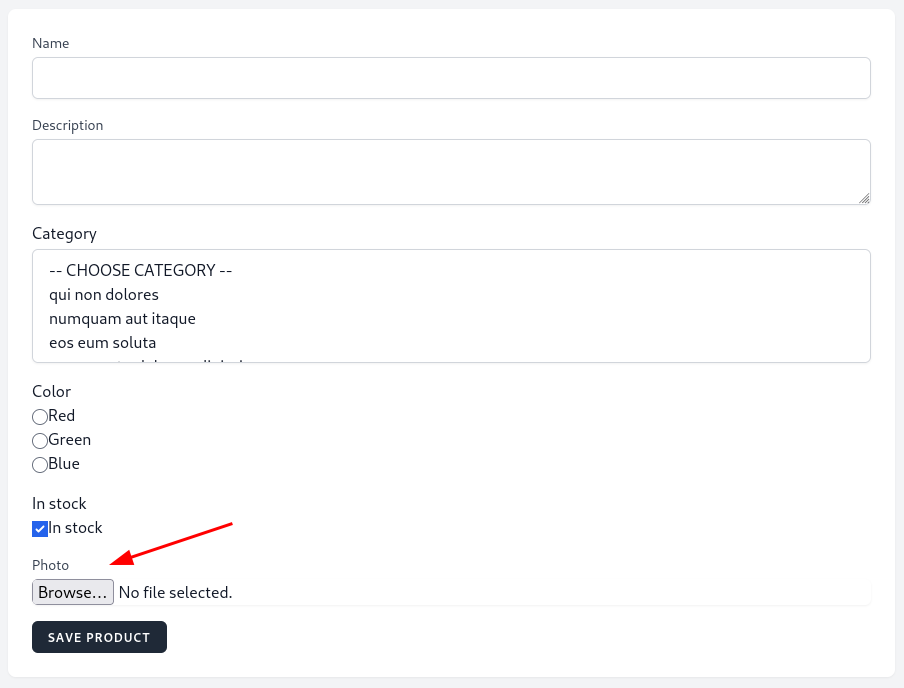
We binded photo input to a form.image public property. Don't forget all properties are in...
Soo, we delete 'category_id' in previous lessons. Also you can add green background to $filename = $this->image->store('products', 'public'); in update and here is typo type=button" To see images use this php artisan storage:link
Thank you