
Until now, we constantly moved around our Home and CategoriesList widgets to see some changes. Let's build a navigation bar to have a better user experience:
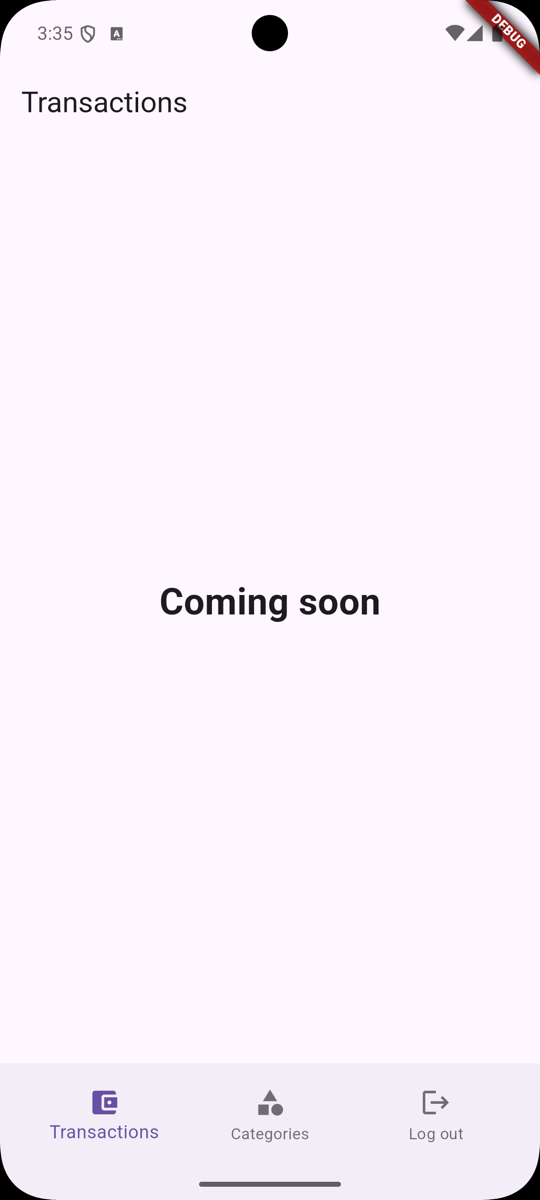
Reset Our Home Page
Let's revert our Last lesson change from Categories List to Home:
lib/main.dart
// ...return MultiProvider( child: MaterialApp(title: 'Welcome to Flutter', routes: { '/': (context) { final authProvider = Provider.of<AuthProvider>(context); return authProvider.isAuthenticated ? CategoriesList() : Login(); return authProvider.isAuthenticated ? Home() : Login(); },Add Logout to Our Authentication Provider
Since one of our buttons will be a Logout button...
No comments yet…