
Text Version of the Lesson
In the following lessons, we will fill our "Tasks" page with the full CRUD. Let's start with a table.
Table Component
Let's show the table of tasks. Remember, we had seeded it into the database previously:
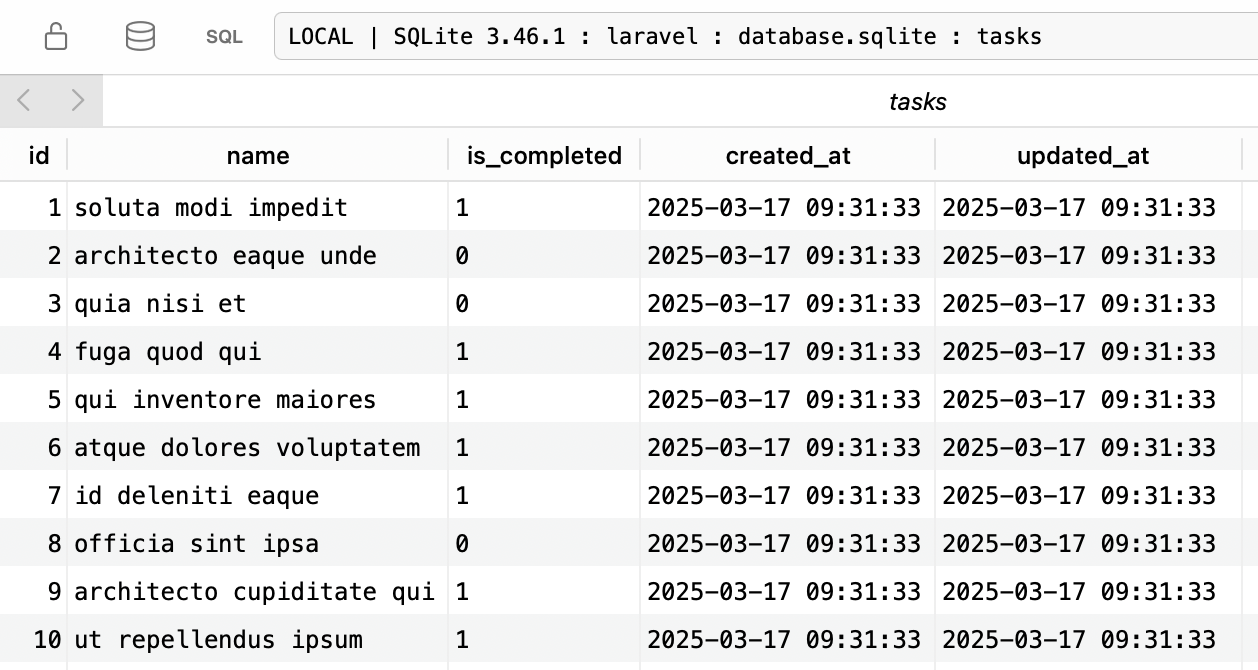
Livewire starter kit uses a Livewire+Tailwind Flux so you don't need to install it, it comes already pre-configured.
Generally, using Flux components is very easy:
- Find component which you need.
- Call it as a Blade component.
Unfortunately, Flux isn't completely free; some components are available only as Pro components. Luckily, we can use anything else. In this case, I chose a table component from Flowbite.
You can extract different table parts into Blade components. For simplicity, I will use plain HTML table code.
resources/views/tasks/index.blade.php:
<section> <div class="relative overflow-x-auto shadow-md sm:rounded-lg"> <table class="w-full text-sm text-left rtl:text-right text-gray-500 dark:text-gray-400"> <thead class="text-xs text-gray-700 uppercase bg-gray-50 dark:bg-gray-700 dark:text-gray-400"> <tr> <th scope="col" class="px-6 py-3"> Task </th> <th scope="col" class="px-6 py-3"> Status </th> <th scope="col" class="px-6 py-3"> Actions </th> </tr> </thead> <tbody> <tr class="odd:bg-white odd:dark:bg-gray-900 even:bg-gray-50 even:dark:bg-gray-800 border-b dark:border-gray-700 border-gray-200"> <th scope="row" class="px-6 py-4 font-medium text-gray-900 whitespace-nowrap dark:text-white"> Task name will be here </th> <td class="px-6 py-4"> Completed or in progress </td> <td class="px-6 py-4 space-x-2"> <flux:button href="#" variant="filled">{{ __('Edit') }}</flux:button> <flux:button variant="danger" type="button">{{ __('Delete') }}</flux:button> </td> </tr> </tbody> </table> </div></section>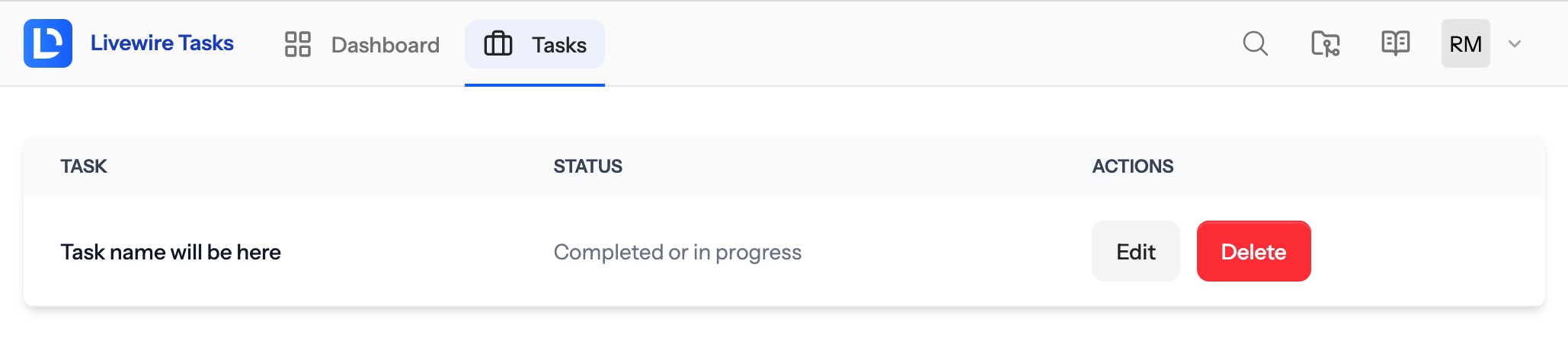
As you can see, for the action buttons, we use components from the Flux.
Real Tasks in the Table
First, we need to pass tasks to the View.
app/Livewire/Tasks/Index.php:
use App\Models\Task;use Livewire\Component;use Illuminate\View\View; class Index extends Component{ public function render(): View { return view('livewire.tasks.index'); return view('livewire.tasks.index', [ 'tasks' => Task::all(), ]); }}Now, in the table we can iterate...
No comments yet…