
Now that we have a select input for the category, let's make it work as a filter. After selecting a category, the list should show only the posts that only belong to that category.
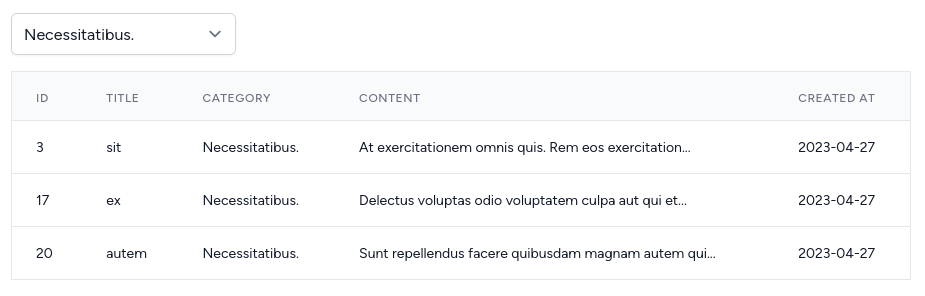
Vue: Watch the Selected Category
To get all the posts that belong to a category, we need to watch the selectedCategory variable. First, we need to import watch from the Vue.
resources/js/components/Posts/Index.vue:
<template> // ...</template> <script setup>import { onMounted, ref } from "vue"; import { onMounted, ref, watch } from "vue"; import { TailwindPagination } from 'laravel-vue-pagination';import usePosts from "@/composables/posts";import useCategories from "@/composables/categories";// ...</script>Now using this watch() function, we can watch the selectedCategory variable for the changes with two values: current and previous.
Inside watch we can call the...
Really straightforward example of using Vue watchers.
Hello, I would like to make filter data without any relationship between Category and Post so I have PostController and I want to pass the query request into that
$posts = Post::with('category') ->when(request('category'), function (Builder $query) { $query->where('category_id', request('category')); })->paginate(10);
I want to make multi filter data what should I do :)?
Hi, sir , when I use where with the function Builder it highlight the where clause with redline but still working what is the problem of red underline . $posts = Post::with('category')->when(request('category'), function (Builder $builder){ $builder->where('category_id', request('category')); })->paginate(3);
Hard to tell why it underlines, might be your ide